
How to Search for a Hawaiʻi Warrant
Start with whatever you already hold: a citation, notice, summons, or case number. It identifies the court and division. Hawaiʻi keeps no public statewide register of active warrants. The Judiciary's eBench Warrants system is reserved for approved law-enforcement and criminal-justice users, so a public searcher cannot sign in and run a Hawaiʻi warrant query there. eCourt Kōkua is Hawaiʻi's public alternative. It is a case-information portal rather than a warrant list. A search there can surface a docket that mentions a warrant. That docket line may help you locate the warrant-related case, but it proves neither that an order is still active nor that none exists. Search with a full legal name and any case details available. Then check the result with the issuing court. Hawaiʻi has no municipal, city, or justice-of-the-peace court tier. Traffic, ordinance, and many misdemeanor matters are handled in Hawaiʻi District Court. County police departments and the statewide Sheriff Division may have service or records information. The court confirms its own order.
- Search eCourt Kōkua for the person or known Hawaiʻi case. Treat it as a case search, not a full warrant search.
- Compare names and warrant-match details with the Hawaiʻi notice or court papers. A name match alone may refer to someone else.
- Use the Hawaiʻi county directory to find the county-area route to the appropriate circuit court and local police channel for warrant records.
- Ask the Hawaiʻi issuing court clerk to confirm whether an active warrant remains in force, whether bail is set, and what action the court requires.
- If the case may be federal, search the District of Hawaiʻi court route separately. Consider speaking with a Hawaiʻi attorney before taking action on a Hawaiʻi criminal warrant record.
eCourt Kōkua and eBench Access
These two Hawaiʻi systems serve different audiences. The Judiciary's eBench Warrants is Hawaiʻi's statewide warrant system for approved law-enforcement and criminal-justice personnel. Its public landing page describes access to traffic, criminal, and certain non-Family Court civil warrants. Hawaiʻi warrant information there is updated multiple times daily. The login is authenticated and role-limited. That update statement describes the agency system itself. It is not a public lookup, and it does not promise that every court event appears at once. eCourt Kōkua is Hawaiʻi's public portal for available case information and documents. Its case types include District, Circuit, and Family Court matters. The Judiciary cautions that online information does not include every public courthouse record. No warrant-only search filter exists. A docket may discuss a Hawaiʻi warrant record, yet the portal is not a warrant registry. Access to a case screen is not access to eBench or to a complete statewide warrant status.
Note: Public Hawaiʻi eCourt case information can help identify the issuing division, but the clerk must confirm the current warrant status.
The Hawaiʻi Judiciary's eCourt Kōkua availability information lays out the public case-information route and its limits. It maps case access, not Hawaiʻi warrants.
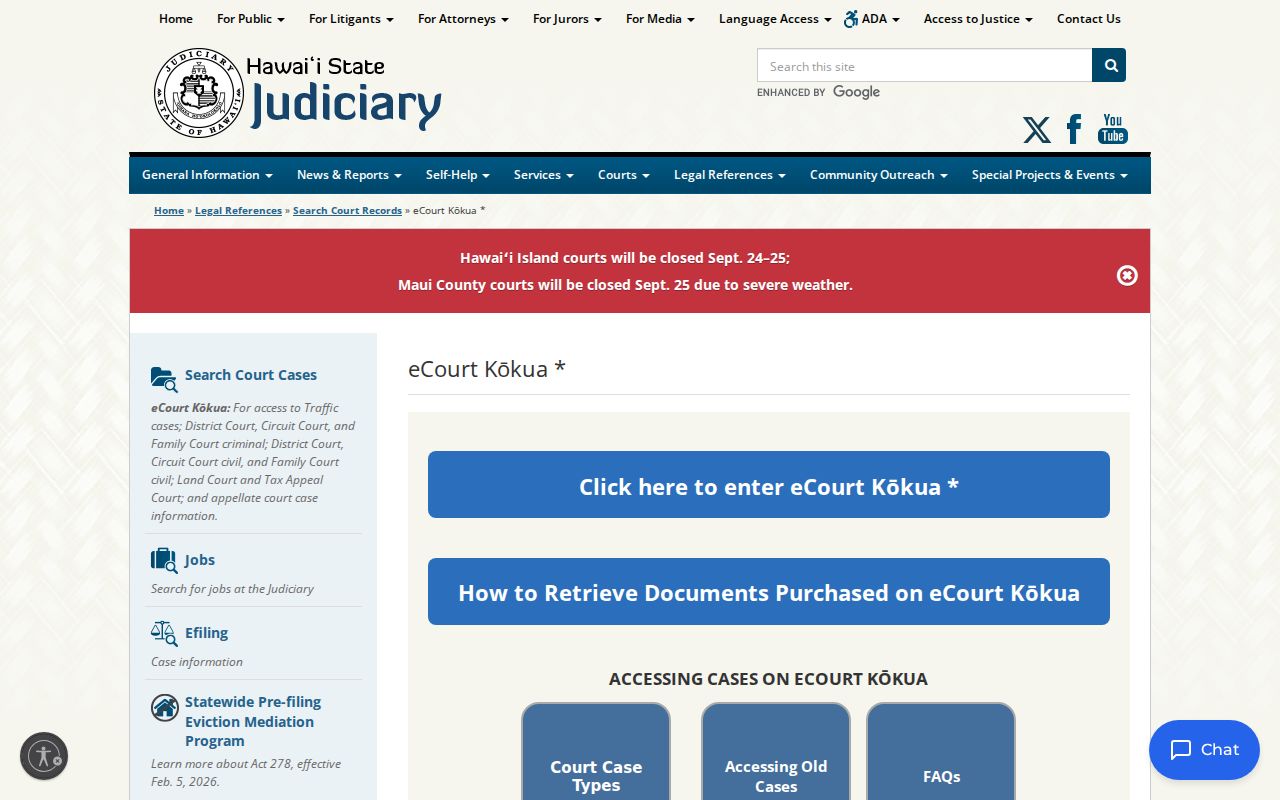
A Hawaiʻi case search may locate a court record. It does not query eBench or certify any active warrant status on its own.
Hawaiʻi Warrant Search Fields
eBench is closed to the public. So Hawaiʻi offers no public warrant-search form, warrant lookup, or field list to fill in. What exist are eCourt Kōkua's documented case-search modes, described in the table. Those fields can help find a Hawaiʻi case tied to a warrant question. None of them asks the portal to certify that a warrant is active.
| Field Label | Type | Required | Notes |
|---|---|---|---|
| Party name | Hawaiʻi person search | First and last | Middle name is optional; partial and phonetic matching options are documented in eCourt Kōkua. |
| Party ID | Hawaiʻi identifier search | Party ID | Filing-date and case-type filters may also help locate a case related to a Hawaiʻi warrant question. |
| Vehicle | Hawaiʻi vehicle search | Plate and state, or VIN | Date and case-type filters are documented; this is not proof of owner identity or a Hawaiʻi warrant match. |
| Case number | Hawaiʻi case search | Case ID | The manual also lists Hawaiʻi application, arrest, TCT, OTN, and SID numbers. |
| Filing date | Hawaiʻi court and date filters | Court details and range | Search uses Hawaiʻi court, location, room or division, case type, and a date range up to 60 days. |
The Judiciary's eCourt Kōkua manual explains the public fields. No Hawaiʻi eBench form, warrant-number lookup, public status selector, or county dropdown appears there. Vehicle and filing-date searches find cases. They are not shortcuts to a person's warrant status.
Hawaiʻi Warrant Codes Are Case Events
A Hawaiʻi docket often uses short labels for events in a case. The Judiciary's eCourt code list, for example, defines several bench-warrant entries. Those labels describe docket events. They are not public eBench search filters or a shared warrant-status vocabulary. A code can help you ask the clerk a precise question. It is no substitute for the signed order or the issuing clerk's confirmation.
- ACTIVE
- In Hawaiʻi, a case continues with action pending. This case status alone does not establish a current warrant.
- INACTIVE
- A Hawaiʻi case may be waiting for an event before it can proceed; the Judiciary gives a failure to appear or bench warrant as an example.
- BWT
- Bench Warrant Created, a Hawaiʻi docket event label. It does not reveal a public warrant-search record.
- BWRC
- Bench Warrant Recalled, a Hawaiʻi docket event label. Ask the court whether the recall has been entered and what remains due.
- MRBW
- Motion to Recall Bench Warrant in Hawaiʻi. This identifies a motion, not an order granting it.
Other labels mark service, return, rescheduling, or a cost assessment. A Hawaiʻi status like closed or judgment satisfied describes the case overall, not each separate order. Use the code list to read a docket line. Then ask the clerk what it means for the warrant in that case.
What a Hawaiʻi Warrant Search Returns
eCourt Kōkua can display case ID, type, status, last-updated and filing dates, court and location, parties, events, docket entries, offenses, and bail or bond information where shown. Those are case details. The Judiciary publishes no public eBench result schema. The online Hawaiʻi case view may also omit material sitting at the courthouse.
| Warrant Number | Format not public No Hawaiʻi statewide public warrant-number format or warrant-only result schema was documented. |
|---|---|
| Subject Name | Hawaiʻi party names may appear in available case details. Confirm identity with more than a name match. |
| Charge / Offense | Hawaiʻi criminal offenses may appear in a case view; the visible entry is not a complete warrant record. |
| Issuing Court | Hawaiʻi case details can identify a court or location. The issuing division controls the warrant. |
| Bail or Bond | Some Hawaiʻi case details include bail or bond information. Ask the court to confirm current terms. |
| Warrant Status | No public Hawaiʻi warrant-status field is documented. Case status and docket events are not the same thing. |
A result can guide your follow-up call. By itself it cannot confirm a warrant as active, recalled, served, or cleared. Compare the case number and court against your own Hawaiʻi papers first. Then raise the record with the clerk.
Hawaiʻi Warrant Searches Span Four Circuits
Hawaiʻi runs one unified State Judiciary with four active judicial circuits, not five county sheriff systems. Each circuit carries District, Circuit, and Family Court functions. The right clerk depends on case type and where the case was filed. No separate municipal or justice-of-the-peace court exists whose warrant sits outside the Judiciary.
| Search Layer | What It Holds | Who Runs It |
|---|---|---|
| Hawaiʻi public case view | Available case information and documents, with limits | Hawaiʻi State Judiciary through eCourt Kōkua |
| Hawaiʻi warrant case record | The issuing case, order, and court action | District, Circuit, or Family Court division |
| Hawaiʻi warrant service | Statewide service of warrants and court process | DLE Sheriff Division; county police also perform local policing |
| Hawaiʻi agency warrant search | Covered warrants for approved users | Judiciary eBench Warrants |
Hawaiʻi splits its trial courts across four active circuits. The First covers Oʻahu, the Second takes Maui County along with Kalawao, the Third is Hawaiʻi County, and the Fifth serves Kauaʻi County. No Fourth Circuit operates today. Treat the five county folders here as routing stops, not as five separate court systems or sheriff departments. District Courts hear traffic, ordinance, and many misdemeanor matters; Circuit Courts handle general-jurisdiction cases, including felonies. Family Court sits as a division within each circuit.
Where Hawaiʻi Warrants Are Checked
Start a Hawaiʻi warrant question with the court case. The Judiciary holds the case record that shows whether an order is active, and that record is the authoritative source. Service is a separate job. The Department of Law Enforcement’s Sheriff Division serves warrants and court process statewide, while each county police department plays its own local role. No county sheriff’s office exists in these counties. The police departments publish no public active-warrant search on their pages. The Honolulu Police Department warrant-policy page is the official reference for that department’s general warrant process, and it explains how HPD handles warrants from receipt to service. It offers no individual Hawaiʻi warrant lookup and returns no statewide status result.
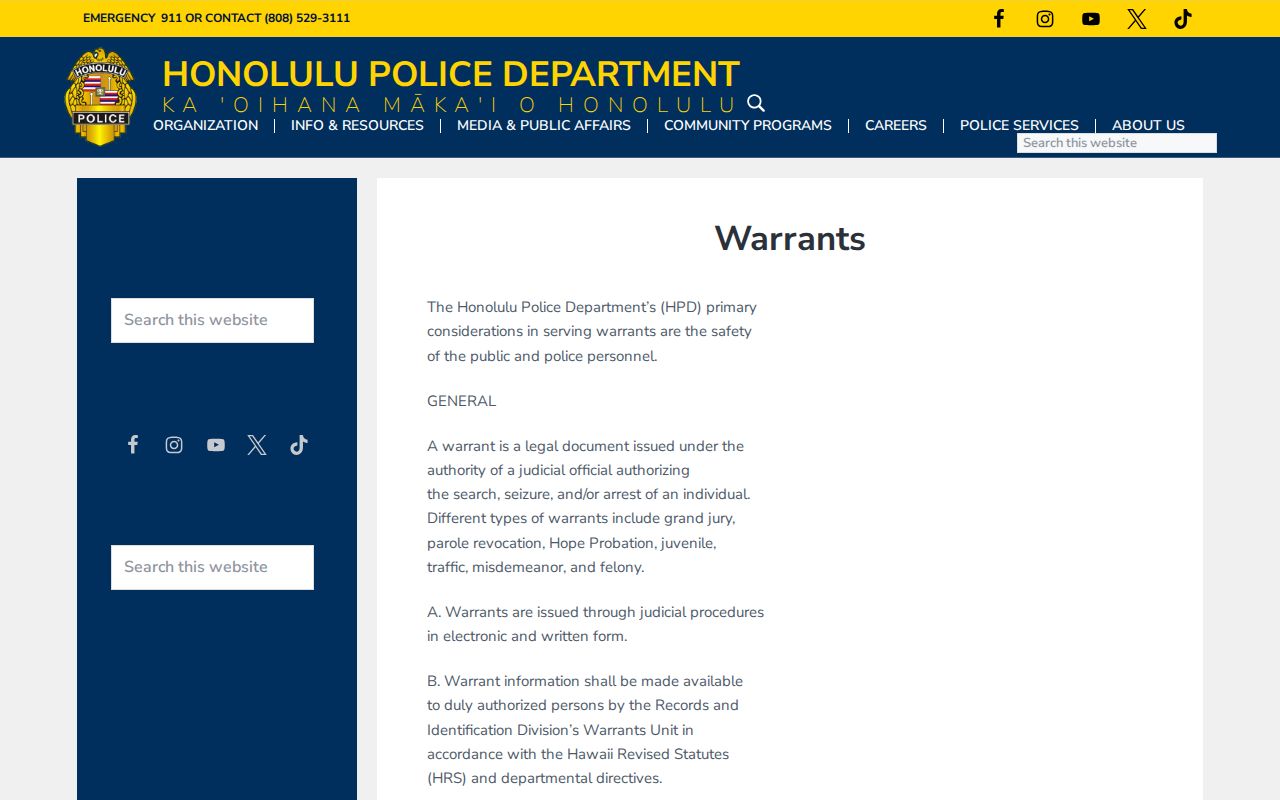
Agency channels help with process, not status. An issuing Hawaiʻi court still decides warrant status. For a public inquiry, eCourt Kōkua can help you identify the right case and division before you call. The clerk in that division can confirm the order and walk you through the procedure. Police records staff answer for their own Hawaiʻi records. They are not a statewide warrant-status hotline. Use the county directory to find the island or county-area path, and check which court division actually issued the warrant before you rely on a folder label. Honolulu Police Department points to its Records Division for its own records and process. That page identifies an agency records channel. It does not show a person’s warrant status. It also does not replace a direct request to the court that issued the order.
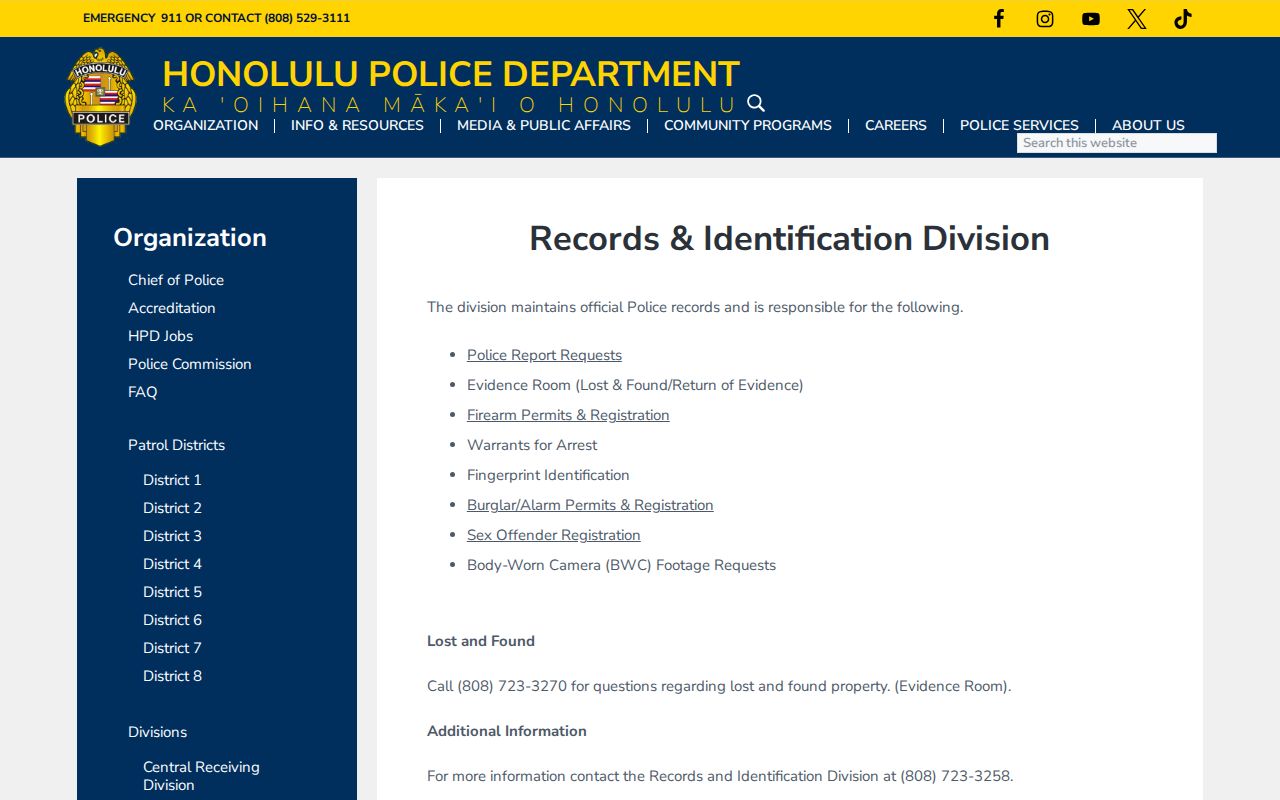
Honolulu records contact details belong to that agency’s own files and process, not to any individual Hawaiʻi warrant search or statewide result.
Note: A county directory route helps locate local agencies, but Hawaiʻi court authority remains statewide and circuit based.
Ask a Hawaiʻi Court Clerk to Confirm
A clerk conversation works best with paperwork in hand. Bring the case number, the citation, any court notice, and the name used when the case was filed. Then ask the questions that count. Which Hawaiʻi division issued the order, is it still active, and does bail or another condition apply? Ask what appearance or filing is required. Ask how a Hawaiʻi court records a recall and how to confirm that the update is complete. Clerks explain procedure and access. They cannot give legal advice. Records held by the Department of Law Enforcement follow a separate route under the Hawaiʻi Uniform Information Practices Act, HRS Chapter 92F, which allows requests but applies exemptions. DLE posts its own UIPA request process. The Office of Information Practices explains how to describe a record and what response steps may follow. Name a specific agency record. UIPA does not turn eBench into a public portal or replace a court-record request. Court records answer to the Hawaiʻi Court Records Rules. The Judiciary’s access process governs reaching them. Hawaiʻi online document fees, certified-copy procedures, and access hours can differ from basic Hawaiʻi case lookups. Check the Judiciary’s current instructions before ordering documents or traveling, and ask the right Hawaiʻi courthouse how to inspect or request a record that is missing online.
Access and Restricted Warrants
Access in Hawaiʻi varies by record. The Hawaiʻi Court Records Rules govern access to court records, including confidential files and the safeguards around personal information. UIPA covers executive agencies, with exceptions for some law-enforcement investigatory information. Neither rule fits every case. A warrant is not always public, and not always confidential.
Key Rules:
Sealed and confidential Hawaiʻi court material may be excluded from online view even when other parts of a case are public.
Hawaiʻi juvenile case dockets and papers have added protection under HRS §571-84; do not treat a public search as a youth-record lookup.
A missing Hawaiʻi search result does not prove that no warrant exists. The portal may omit records, and eBench is restricted to approved users.
Not every Hawaiʻi pleading or public record appears online. A certified copy must come from the proper courthouse. When a case involves protected records, ask the court what access it allows instead of guessing from an empty search.
A Hawaiʻi Warrant Search Can Miss Records
A blank Hawaiʻi eCourt screen is not a clearance. The case may be sealed or confidential, filed under a different name or identifier, outside the portal’s online coverage, or too new to appear yet. The Judiciary itself warns that online information is not guaranteed to be complete or current. Some public Hawaiʻi records still need a courthouse request. A name-only hit carries the opposite risk. It may belong to a different person entirely. Before trusting any result, read the Judiciary’s eCourt Kōkua frequently asked questions, which spell out the limits of the online case-information service. Those boundaries mark where the public portal stops. They apply to any Hawaiʻi warrant lookup built on the same data.
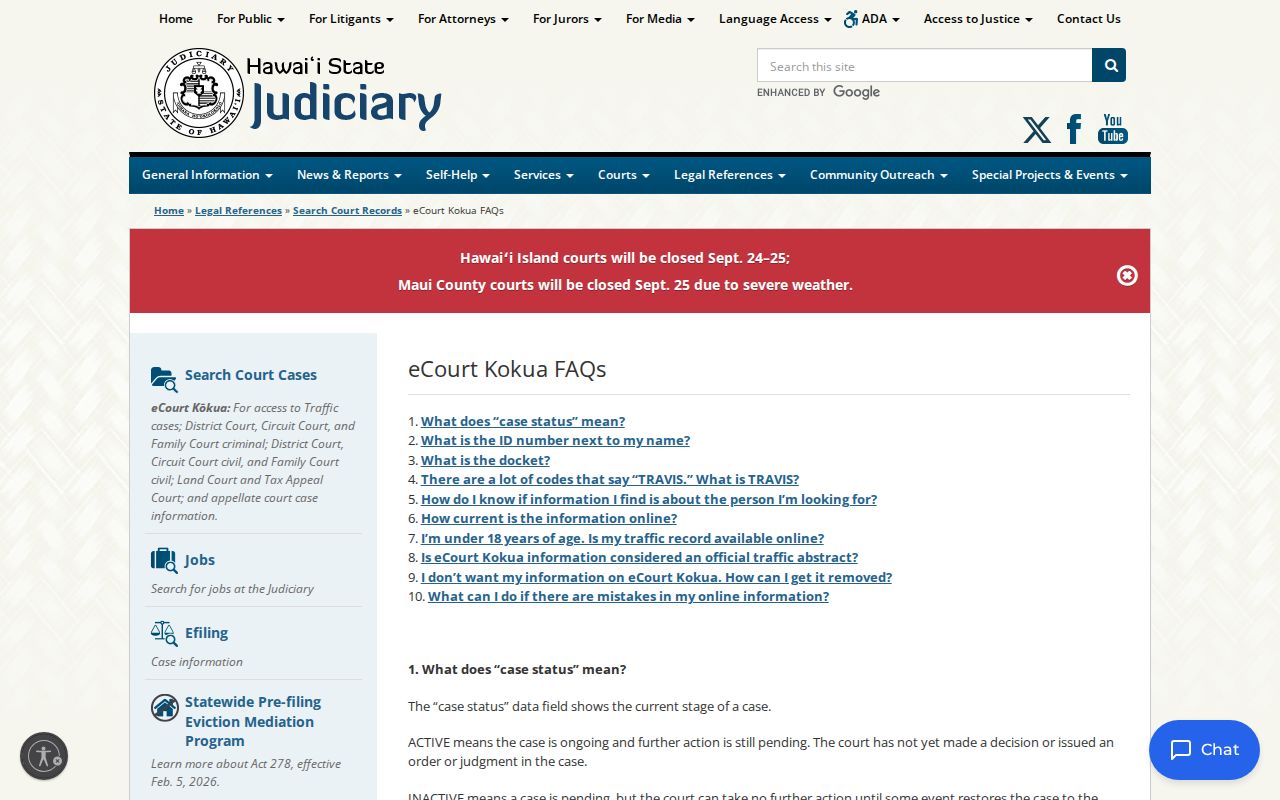
An online case view in Hawaiʻi is only partial. The court itself holds the current warrant record. That is where confirmation has to come from. For your own case, set the docket beside any notices and citation papers you received, then call the court division named on them. Lost the papers? Use eCourt Kōkua to pull whatever case details it holds, and ask the likely circuit clerk how to search further. A docket entry like a "motion to recall" shows a filing was made. It does not prove the Hawaiʻi court granted anything. Wait for the court to state its action and any appearance, payment, or bond requirement that remains. One more caution: a case marked closed can still carry a separate order. Hawaiʻi publishes no public warrant list, so a search that turns up nothing cannot be checked against one. A Hawaiʻi attorney can read a criminal matter and suggest safe next steps. Whatever you find, confirm it with the Hawaiʻi issuing court before you rely on it.